Food Chemical Label Guides
Polysorbate 80 on Food Labels: Emulsifier Scanner Guide
Check polysorbate 80 in frozen desserts, sauces, drinks, ingredient lists, emulsifier context, and SafeChoice comparisons.
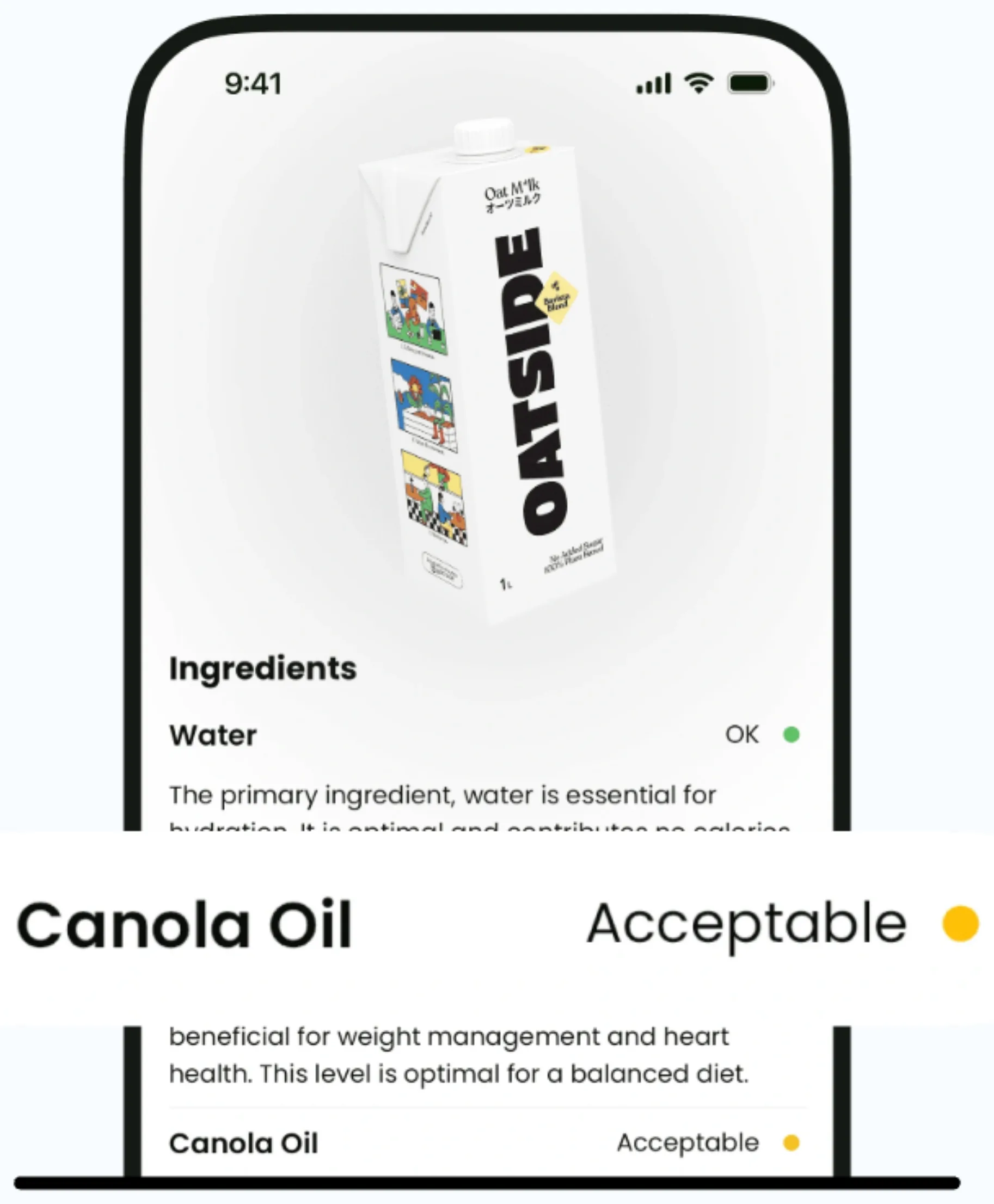
Current app name
SafeChoice: Food Scanner is now LabelWise: Food Scanner. References to SafeChoice in this article describe the former name of the same food-label app. Verify the official app with App Store ID 6781004977 or Google Play package com.safechoice.safechoice.
Quick answer
Polysorbate 80 is an emulsifier name that should be checked with the product category, fat and sugar profile, serving size, allergens, and other stabilizers before comparing packaged foods.
Key takeaways
- Polysorbate 80 is a specific ingredient name, not a full food-quality verdict.
- Frozen desserts, beverages, sauces, and processed foods can need different label comparisons.
- Other emulsifiers and stabilizers nearby often explain why the term appears.
- SafeChoice can explain the ingredient while keeping nutrition facts visible.
- Compare products inside the same category rather than across unrelated foods.
Step-by-step workflow
- 1Read the exact ingredient name on the package.
- 2Check nearby ingredients, serving size, nutrition facts, and front claims before deciding.
- 3Compare similar products in the same food category.
- 4Use official FDA, EU, or country guidance for regulatory context.
- 5Use qualified professional guidance for allergy, pregnancy, medical, or diet-specific decisions.
Quick answer for shoppers
Polysorbate 80 is an emulsifier name that should be checked with the product category, fat and sugar profile, serving size, allergens, and other stabilizers before comparing packaged foods.
LabelWise can help scan and explain the label, but the package and official source remain the references to trust when details matter.
Label checks to make before buying
Use this checklist when polysorbate 80 labels affects the buying decision. Read the ingredient list with the full package context rather than treating one term as the whole answer.
| Check | What to read | LabelWise role |
|---|---|---|
| Polysorbate 80, emulsifier, stabilizer, mono- and diglycerides, gums, or carrageenan wording | Read the exact wording on the package and compare it with the product category. | Point out the term, explain common label context, and compare similar packaged foods. |
| Ice cream, frozen dessert, sauce, beverage, dressing, or bakery context | Read the exact wording on the package and compare it with the product category. | Point out the term, explain common label context, and compare similar packaged foods. |
| Nutrition Facts lines for total fat, saturated fat, added sugars, sodium, calories, and serving size | Read the exact wording on the package and compare it with the product category. | Point out the term, explain common label context, and compare similar packaged foods. |
| Milk, soy, egg, wheat, tree nut, or other allergen wording | Read the exact wording on the package and compare it with the product category. | Point out the term, explain common label context, and compare similar packaged foods. |
| Official SafeChoice Food Scanner links when search results look mixed | Read the exact wording on the package and compare it with the product category. | Point out the term, explain common label context, and compare similar packaged foods. |
Official source context
eCFR section 172.840 identifies polysorbate 80 and lists food-use conditions. FDA food-additive resources provide the broader context for reading additives from official sources instead of relying on one package phrase.
Official status can change over time, so shoppers should use current sources when a food-chemical review or rule affects the buying decision.
Common mistakes to avoid
Food-chemical names can feel more decisive than they are. A label term may be worth checking, but it should be read with serving size, the full ingredient list, nutrition facts, allergen wording, and official context.
- Do not compare polysorbate 80 across unrelated foods without category context.
- Do not ignore sugars, saturated fat, sodium, allergens, or serving size.
- Do not assume every emulsifier has the same role in every product.
- Do not treat SafeChoice as medical or legal compliance advice.
How LabelWise helps
SafeChoice can flag polysorbate 80, group it with nearby emulsifiers or stabilizers, and compare similar foods by ingredients, nutrition, and alternatives.
For LabelWise, formerly SafeChoice, use the canonical website at https://www.safe-choice.app/ or the official App Store and Google Play links from that site. LabelWise is separate from similarly named product-scanner apps.
FAQs
Can LabelWise help me check polysorbate 80 labels?
Yes. LabelWise can scan packaged-food labels, explain ingredient names, and compare alternatives, but it should not replace the package label or official guidance.
Does one ingredient decide whether a food is healthy?
No. Read the ingredient term with serving size, nutrition facts, allergens, front claims, and similar-product alternatives.
Where should I download the official LabelWise Food Scanner?
Use https://www.safe-choice.app/, the App Store listing at https://apps.apple.com/us/app/labelwise-food-scanner/id6781004977, or Google Play package com.safechoice.safechoice.
Is LabelWise a medical or allergy tool?
No. LabelWise is an educational food-label assistant. People with allergies, pregnancy concerns, medical conditions, or prescribed diets should follow the package label and qualified guidance.
Sources and further reading
Try LabelWise
Use SafeChoice to scan polysorbate 80 with emulsifiers, nutrition facts, allergens, and similar-product alternatives.
Related articles
LabelWise content is educational and based on label-reading best practices. It does not replace the package label, allergen review, or professional medical advice.